Less Is More
Photo cleanup for iPhone · iOS 18 or later
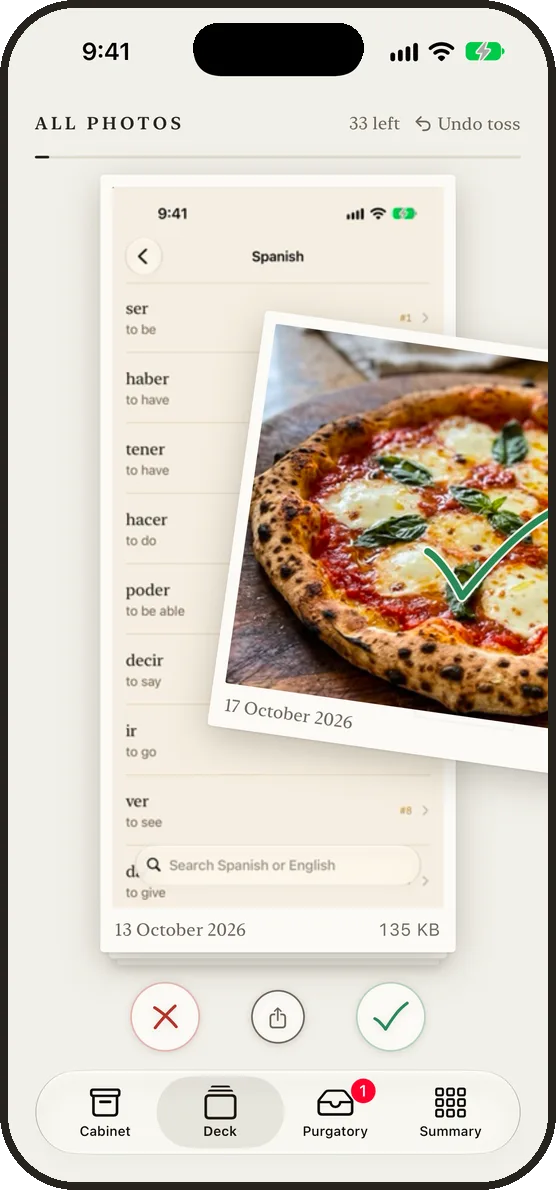
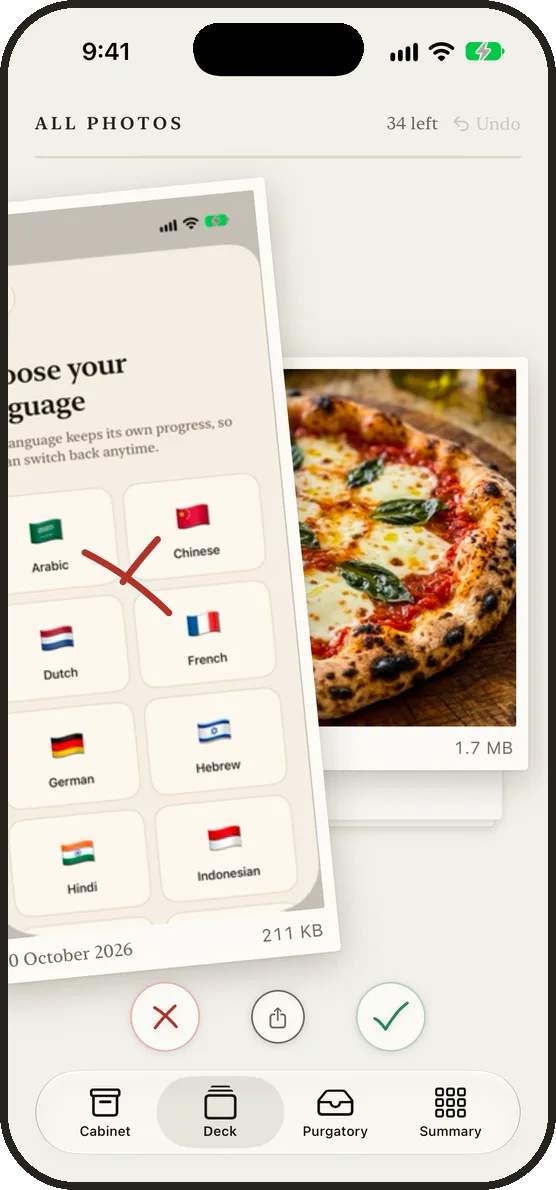
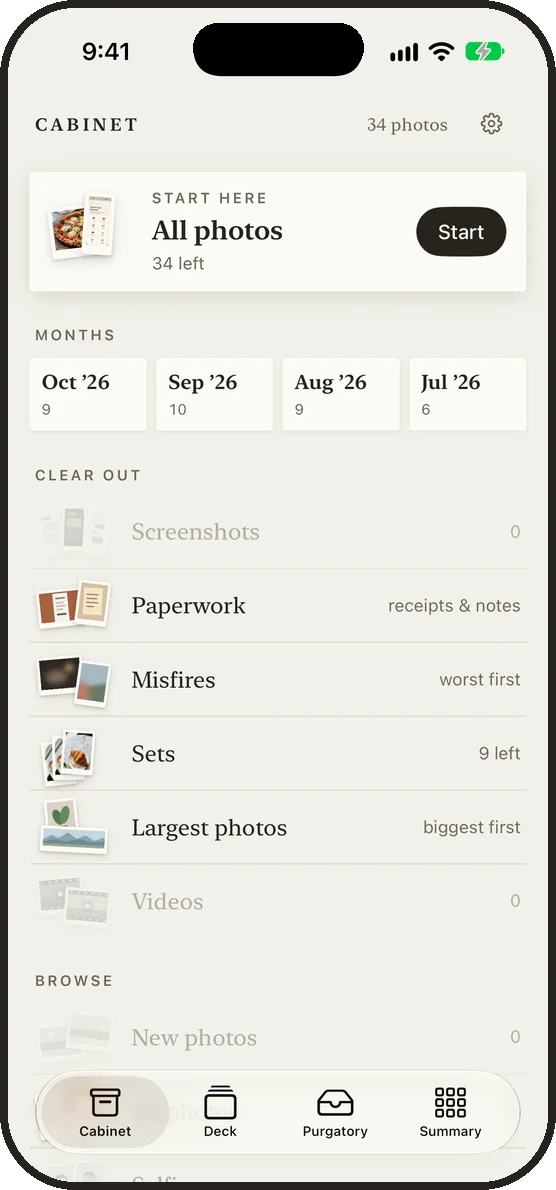
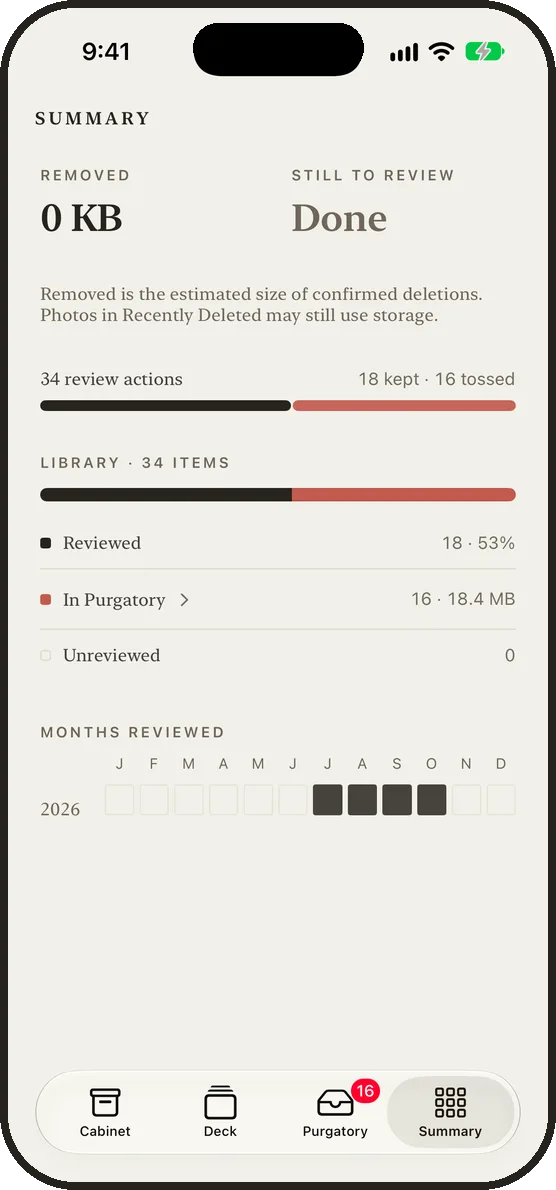
Less Is More shows you your photos one at a time. Swipe right to keep one, left to toss it. Nothing is deleted until you confirm it.
Features
- Go month by month, or start with a drawer: screenshots, blurry and accidental shots, photos of receipts and notes, or the largest photos and videos.
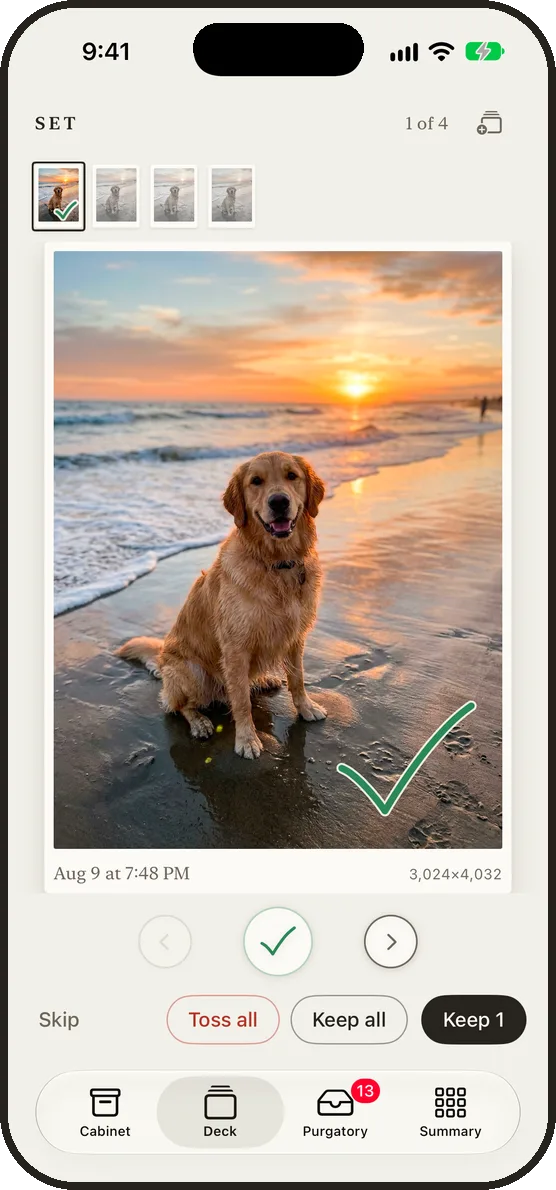
- Similar shots and bursts come as a set. Check the ones to keep. The rest go to Purgatory.
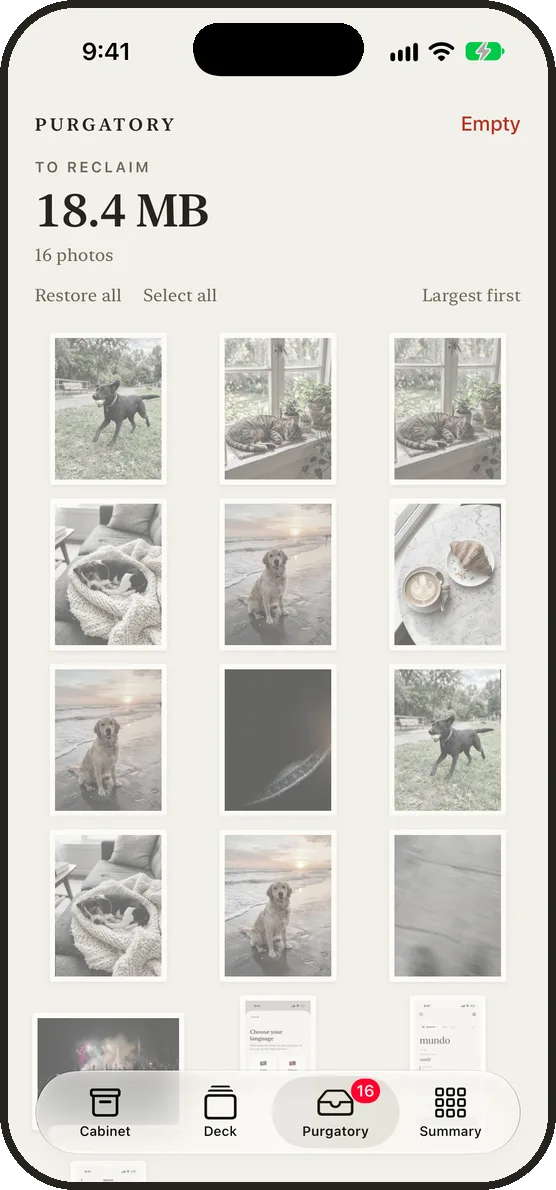
- Tossed photos wait in Purgatory until you delete them or take them back. iOS asks you to confirm before anything is deleted.
- Swipe up to add a photo to an album or to Favorites. Swipe down if you aren’t sure, and it comes back at the end. Undo goes back up to your last 50 decisions.
- An optional weekly reminder, off unless you turn it on.
- Your photos are sorted on your iPhone. No account, no ads and no tracking.